Published · Updated · 1 min read
Import clients from Salesforce
Every client you keep in Salesforce, added here in one step.
Salesforce exports a contacts report as a CSV file. Export it with Details Only, choose the file in Import clients, and first and last names are joined and the email matched for you, so you check the names and add them all at once.
1. How do I export my clients from Salesforce?
- Open a contacts report that holds your clients, with First Name, Last Name and Email among its columns.
- Select the arrow beside Edit, then Export.
- Choose Details Only, the format Comma Delimited .csv and, if it is offered, the encoding Unicode (UTF-8). Then select Export.
Formatted Report keeps the report's layout around its columns, so choose Details Only. Salesforce's guide to exporting a report has more.
2. How do I add them?
- In Clients, select Import clients, then choose the file.
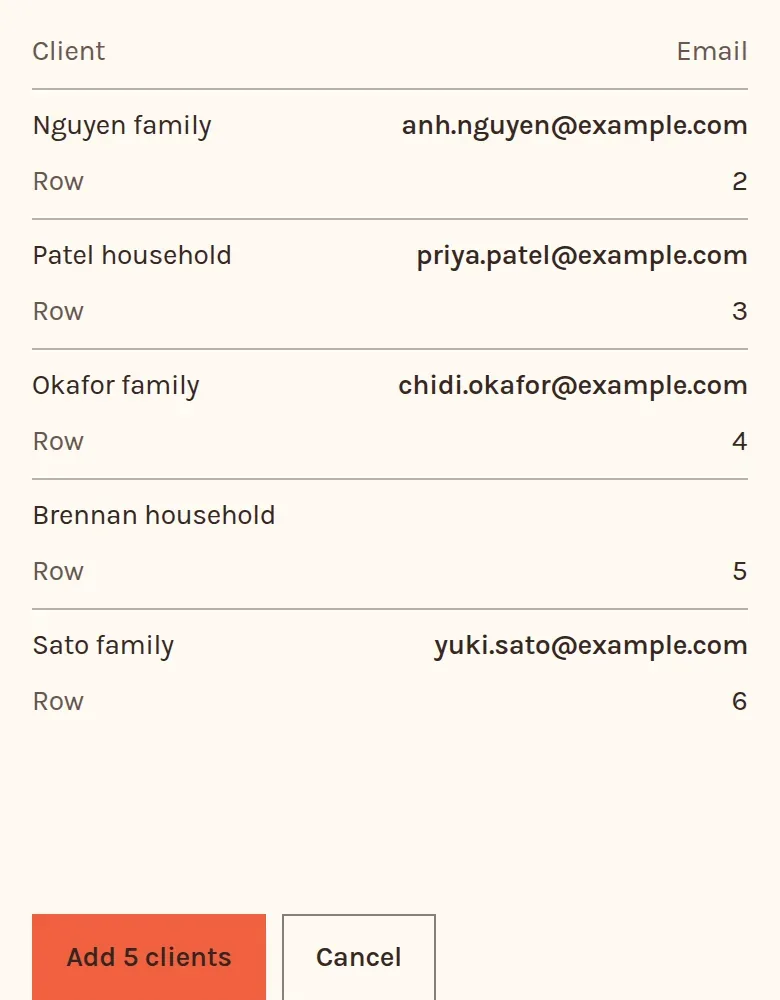
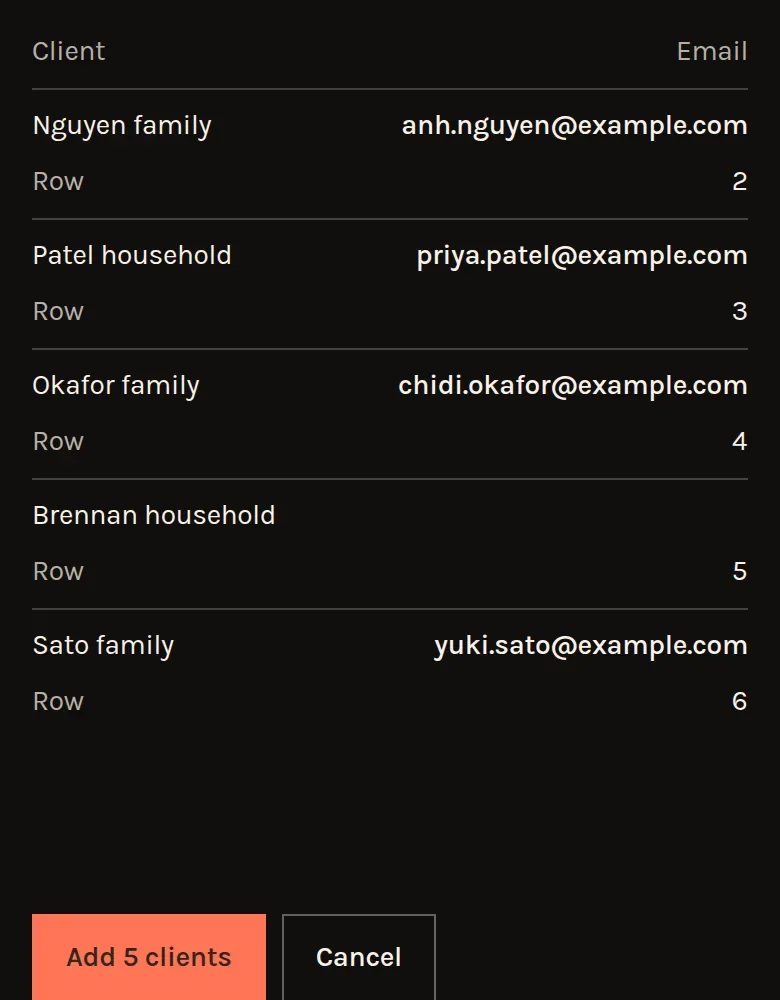
- Check the columns and read the clients to add, and any rows not added with the reason.
- Select Add, which gives the number, such as Add 5 clients.
Nothing is sent to your clients. If it was the wrong file, Undo this import removes them again until you leave the page. Why a row is not added lists each reason.
3. Which columns does it read?
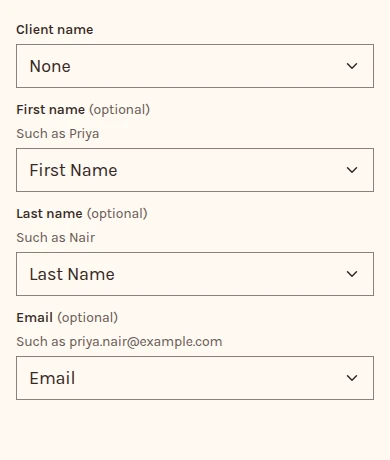
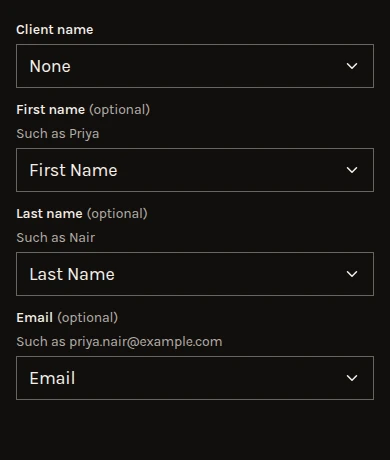
First Name and Last Name, joined, for the client's name, and Email. Account Name is the household or employer, so it is never taken as the client's name.
Every other column is left out, so you don't need to delete any first.