How do I bring in my clients from FYI?
Your FYI contacts come in from one file, and you check every name before any is added.
There's no direct connection to FYI. A file does the job, and nothing is sent to your clients.
1. How do I get the file?
Your User Group needs the Export Client List permission.
- In FYI, show the Clients list, with columns for the name and email.
- Select View Tools, at the end of the column headings.
- Select CSV Export.
The file has the columns you see. Over 1 MB, export fewer columns.
2. How do I import it?
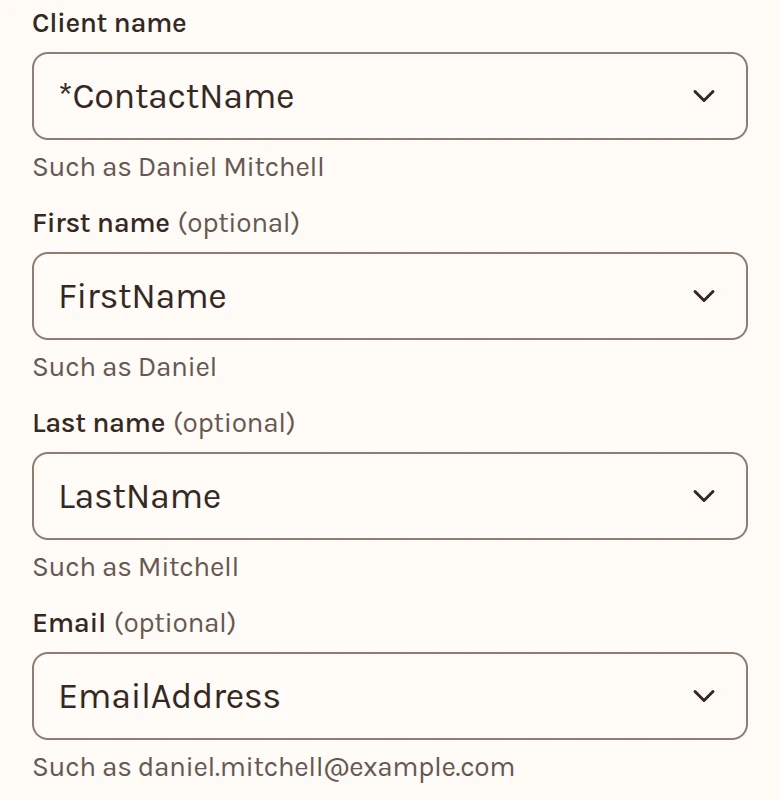
- On Clients, select Add from, then Import a file. Choose the file, a CSV or Excel .xlsx.
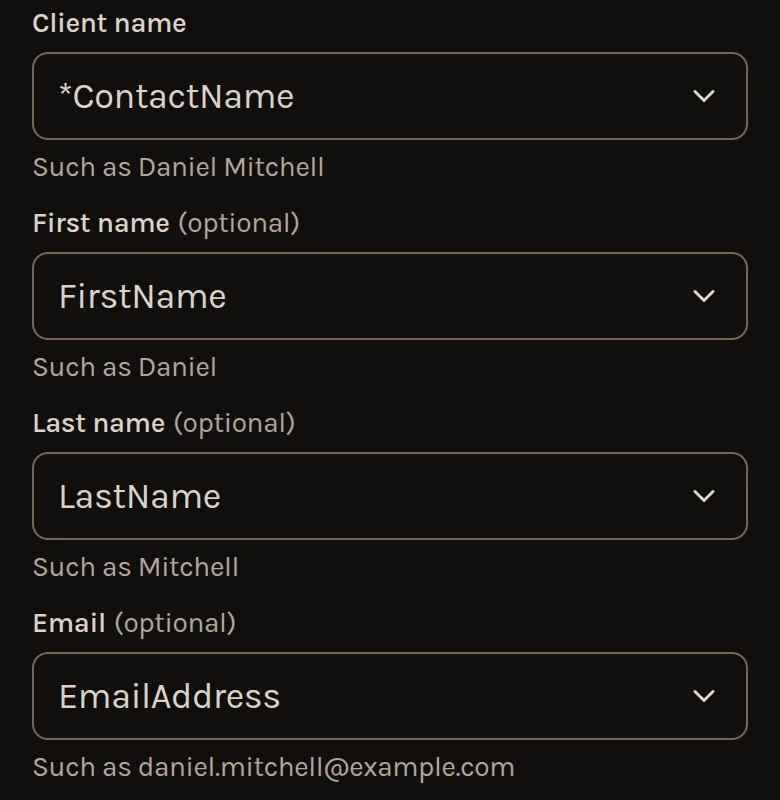
- Under Columns, check which columns hold the name and the email. The name can be one column, or a first and a last.
- Check the names under To add, then add them. Undo works until your next import.
Import your client list has the rest.
3. What comes across?
- Each client's name and email, and their ID if the file has one.
- A full date of birth, from a column headed Date of birth. A column headed Birthday comes in only if you choose it under Columns. A month and year stops only that row. To add the row anyway, set Date of birth to None under Columns, which leaves out every row's date.
Only the name, the email and the birth date come in. If you press Read, the rest of the file is sent to be read, as the page says before you press.
4. How do I add new clients later?
Export and import again. A client you already have is listed, not added or updated.