How do I bring in my clients from Mercury?
Your Mercury contacts come in from one file, and you check every name before any is added.
Connect Mercury under Integrations to read your deals, or bring your clients in from a file. Nothing is sent to your clients.
1. How do I get the file?
In Mercury, your account needs the Data Export role. If it doesn't have it, ask your Principal Owner or whoever looks after Mercury access for your group.
- In Mercury, run a search for the people you want.
- Select Export to Excel in the top menu, then All.
Right-clicking the list gives only the first 100 records.
2. How do I import it?
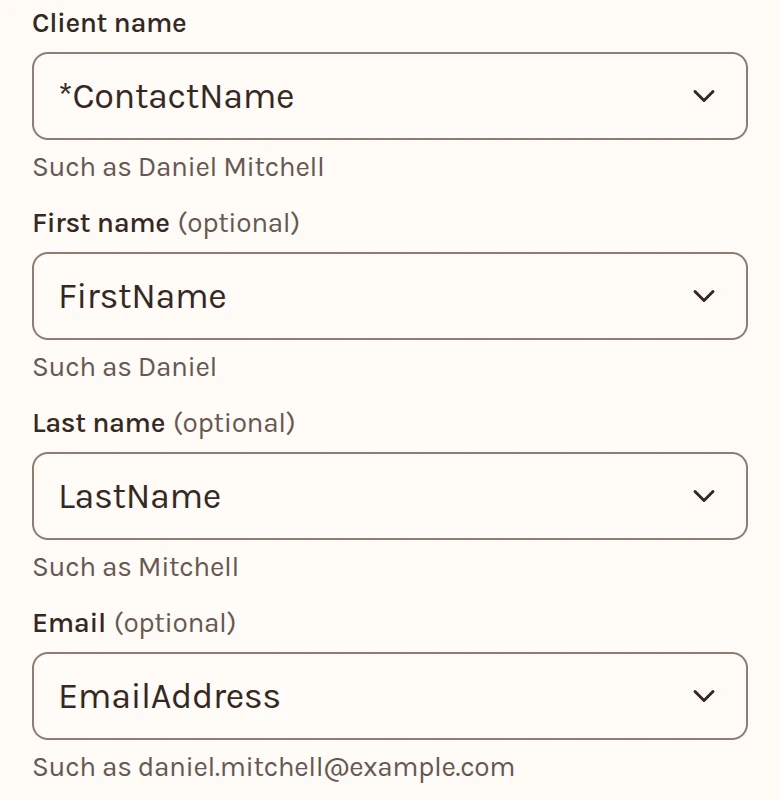
- On Clients, select Add from, then Import a file. Choose the file, a CSV or Excel .xlsx.
- Under Columns, check which columns hold the name and the email. The name can be one column, or a first and a last.
- Check the names under To add, then add them. Undo works until your next import.
Import your client list has the rest.
3. What comes across?
- Each client's name and email, and their ID if the file has one.
- A full date of birth, from a column headed Date of birth. A column headed Birthday comes in only if you choose it under Columns. A month and year stops only that row. To add the row anyway, set Date of birth to None under Columns, which leaves out every row's date.
Only the name, the email and the birth date come in. If you press Read, the rest of the file is sent to be read, as the page says before you press.
4. How do I add new clients later?
Export and import again. A client you already have is listed, not added or updated.
5. Can I send reports to Mercury?
Yes, once Mercury is connected under Integrations. Send to Mercury on a client's page makes or updates their contact and deal, with a link to their report. Under Integrations you can also choose to put each report you send in the client's deal.
6. Can I bring clients in from my Mercury deals?
Yes. Under Integrations, Read your Mercury deals counts what would come in and changes nothing. Add then makes each deal's Primary applicant a client. The deal's other applicants, its properties and its Mortgage Loans wait in that client's To review until you accept them. Other debts, and contacts on no deal, stay in Mercury and are only counted. A client you already have is never added twice. If a long book stops partway, Carry on picks up where it stopped.