How do I bring in my clients from Xero?
Your Xero contacts come in from one file, and you check every name before any is added.
There's no direct connection to Xero. Nothing is read from it, nothing goes back into it, and nothing is sent to your clients. A client's figures come in from documents you add.
1. How do I get the file?
- In Xero, open Contacts and select the group to export, such as Customers.
- Select the menu icon, top right, then Export. A CSV file downloads.
The file holds every contact in that group. A business holds 50 clients for each person, and a row past that isn't added.
2. How do I import it?
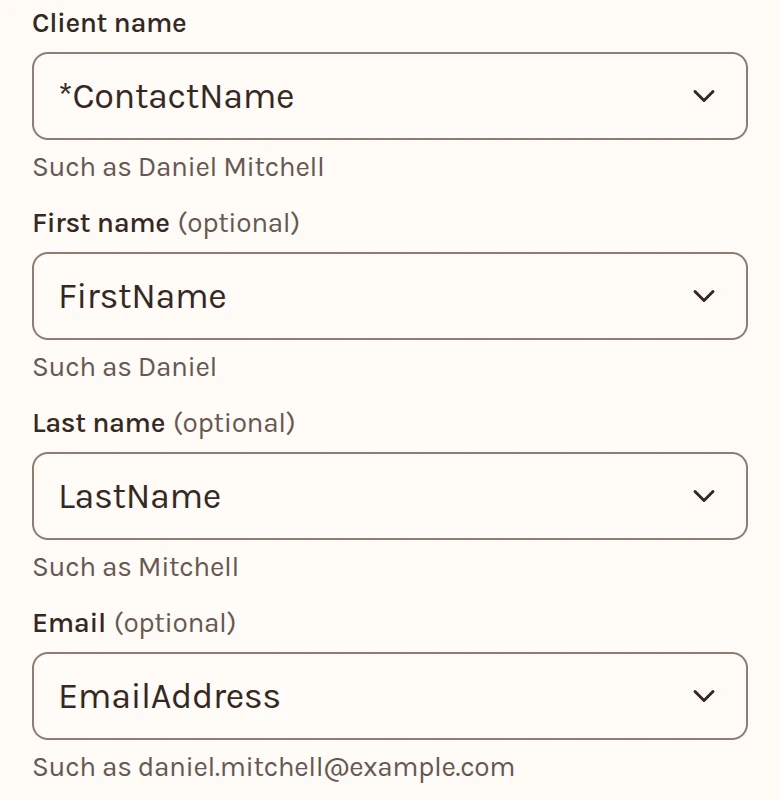
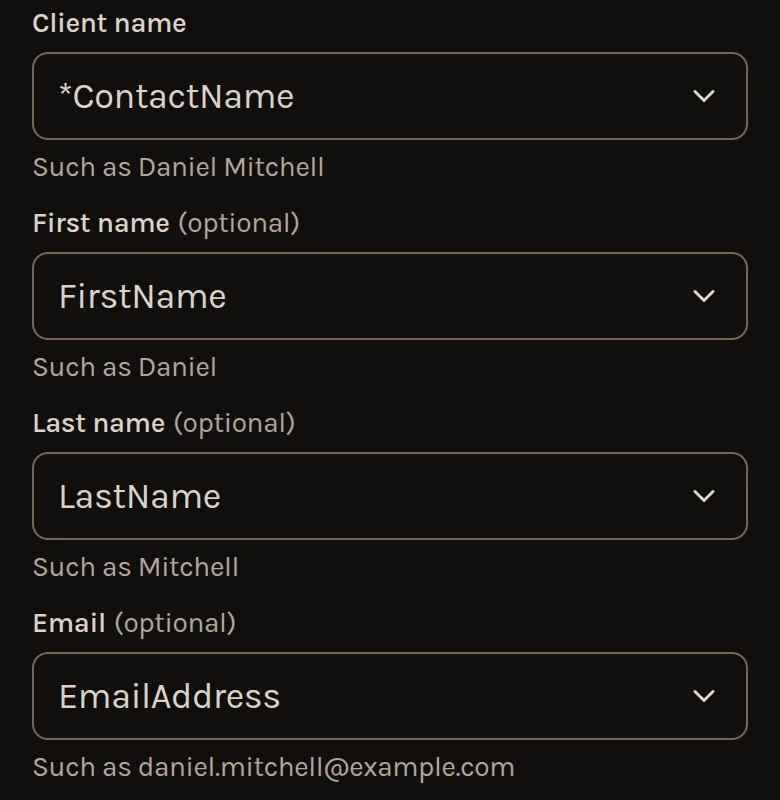
- On Clients, select Add from, then Import a file. Choose the file, a CSV or Excel .xlsx.
- Under Columns, check which columns hold the name and the email. The name can be one column, or a first and a last.
- Check the names under To add, then add them. Undo works until your next import.
Import your client list has the rest.
3. What comes across?
- Each contact's name and email.
Only the name, the email and the birth date come in. If you press Read, the rest of the file is sent to be read, as the page says before you press.
4. How do I add new clients later?
Export and import again. A client you already have is listed, not added or updated.
5. How do I bring in a client's figures?
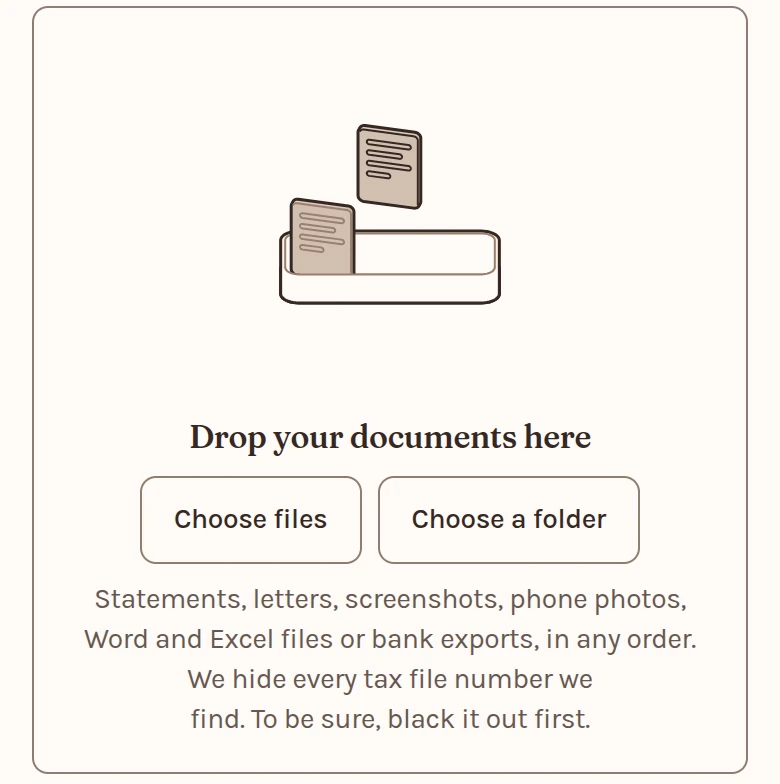
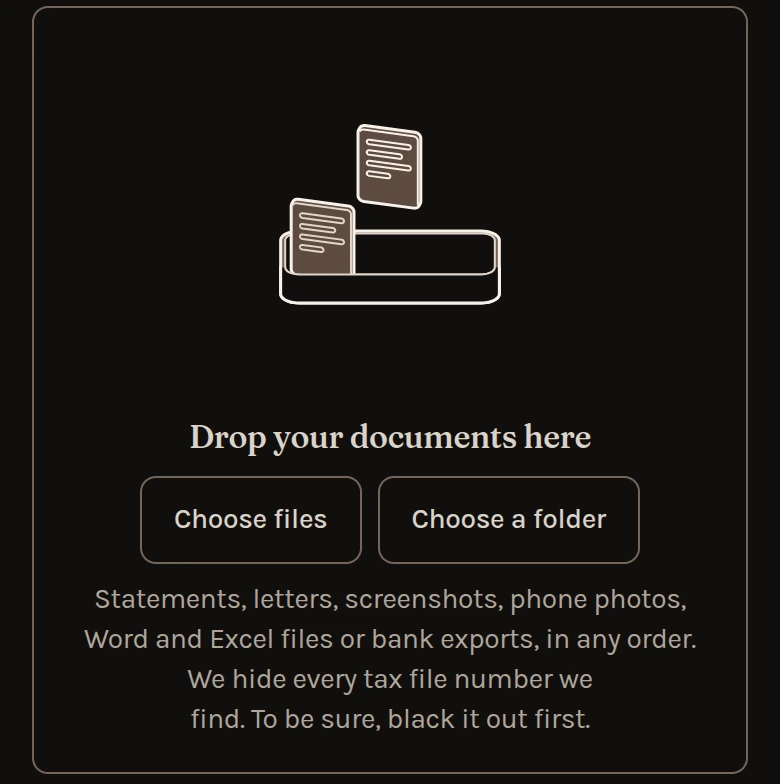
Add the documents the figures come from. We read a property manager's statement, a loan statement, a bank statement, a rates or strata notice, a depreciation schedule, a settlement statement and last year's rental schedule.
We haven't tested a report printed from Xero, such as a profit and loss, so add the documents behind it.
- Open the client or household, then Bring in.
- Drop the files, or select Choose files.
- Select Review the drafts and accept what's right. No figure changes until you do.