Published · 2 min read
How do I give my accountant the year's rental figures?
Hand your accountant the year's rental schedule, a LodgeiT workbook for each owner and a PDF to read.
Accountant pack holds a completed financial year's rental figures for each property and owner: the rental schedule in the ATO's fields, a LodgeiT workbook for each owner and a PDF to read. Check the schedule against your own records and confirm it. Then Download pack, or Send report to your accountant.
1. Where is it?
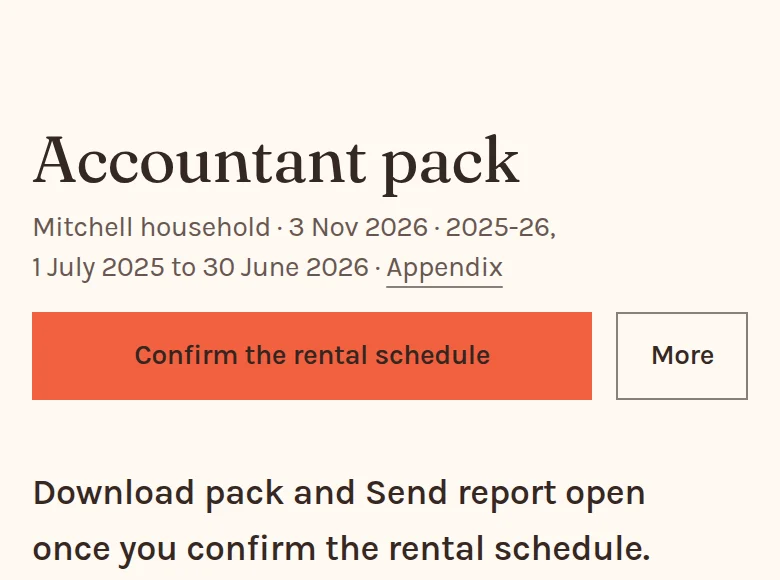
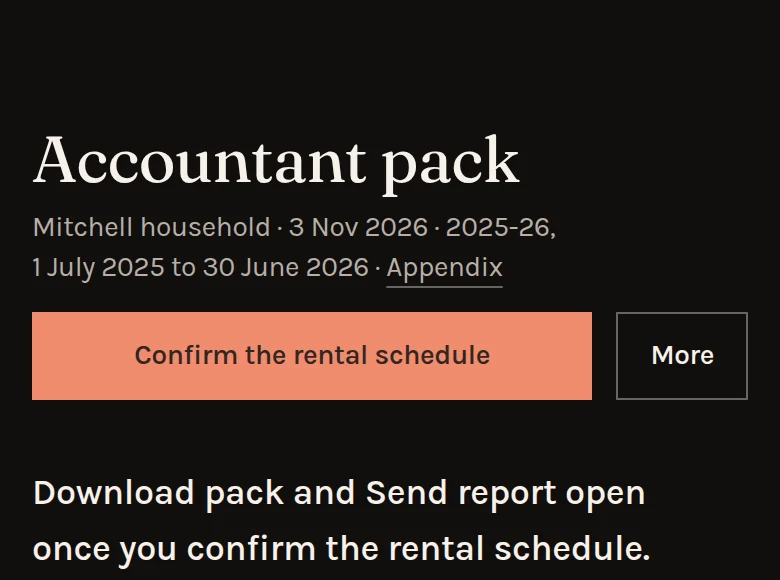
In the sidebar, More, then Accountant pack. Financial year review links to it too. Its financial year chooser holds up to the last five completed years.
A firm finds a client's under Requests and reports, and every client's at once under More, then Accountant packs.
2. Why do I confirm the schedule first?
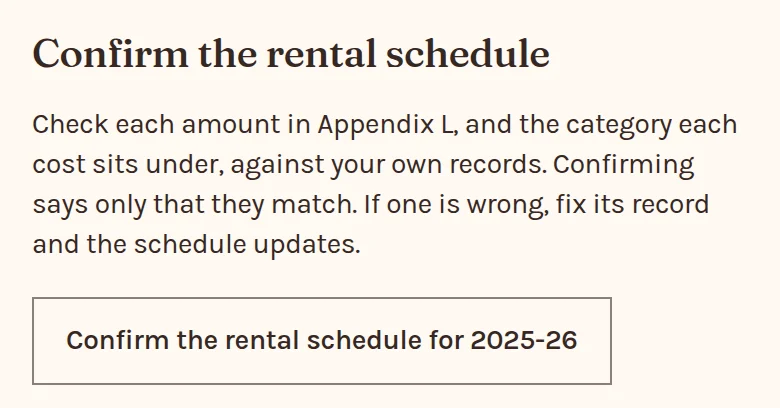
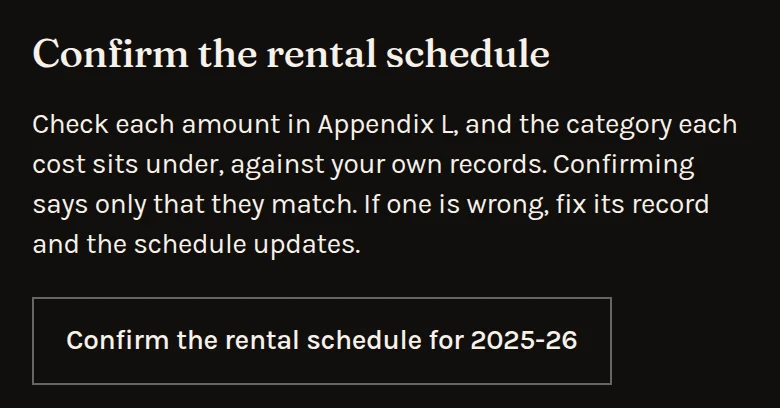
Your accountant works from the schedule, so you check it first. While a year has a rented property, Download pack and Send report open once you confirm.
Check each amount in Appendix L, and the category each cost sits under. Confirming changes no figure. If one is wrong, fix its record and the schedule updates. A figure that changes after you confirm needs confirming again.
3. What's in the zip?
- Where the year has a rented property, rental-schedule.csv, each property's year for each owner in the ATO's fields, and a LodgeiT workbook for each owner.
- item-21.csv: the rent totals for the tax return, where a person owns a rental.
- accountant-pack.pdf to read, and accountant-pack.csv, its spreadsheet.
- records.csv: the owners, properties, other assets, loans and income behind it.
- README.txt, which says which file is which.
An empty cell means nothing is recorded, never zero. The tax file number is always empty, as PropRetire never holds one.
4. What do its pages show?
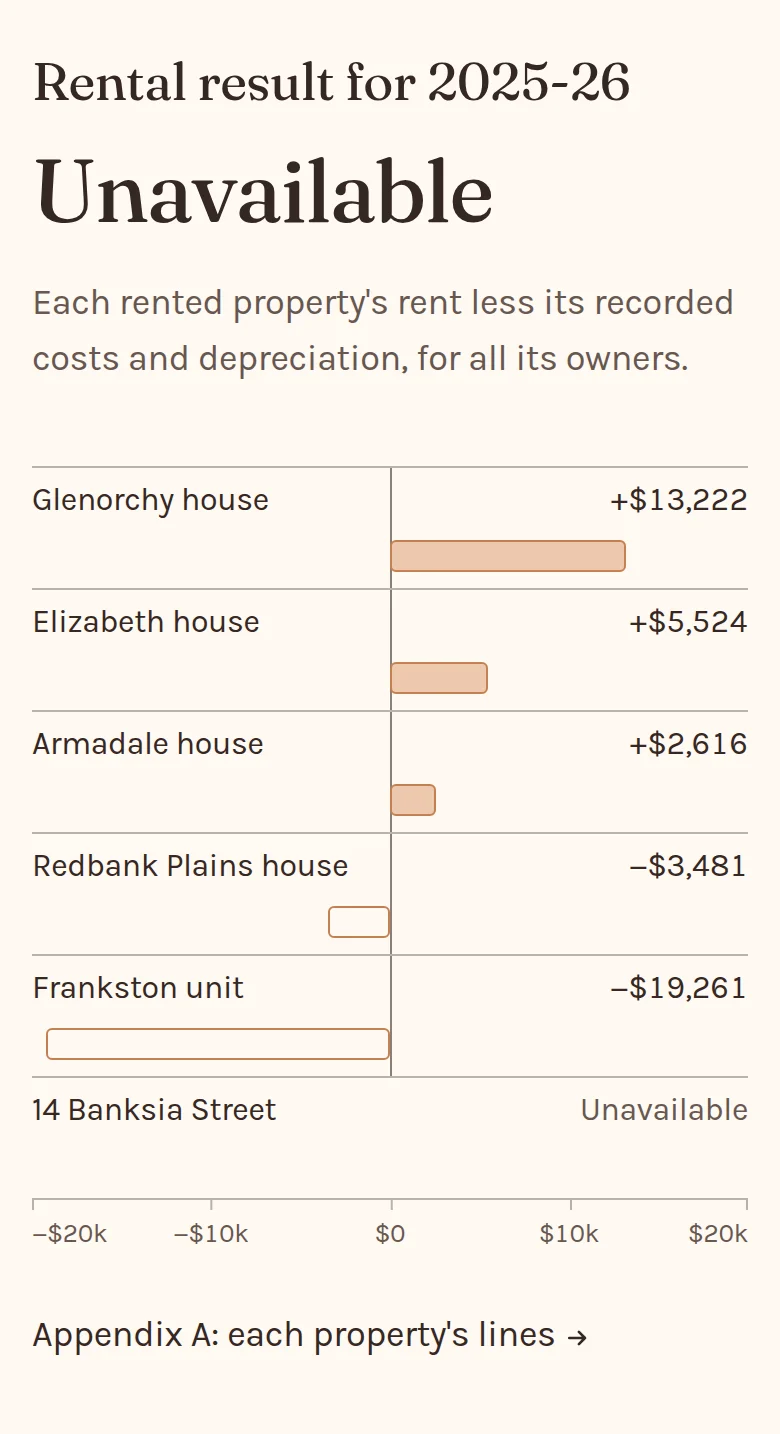
Rental result: each rented property's rent less its recorded costs and depreciation. A property missing a record reads Unavailable, and so does the total.
Then each owner's rental losses carried at 30 June, the schedule itself, and Question 21 totals. Appendix A has each property's lines. The pack works out no tax.
5. Why does a cost have no category?
The schedule places each cost under the ATO category chosen on its record. A cost with none is listed under Costs with no category until its record has one. Loan payout interest and fees stay there for your accountant.
6. How does a firm send its clients' packs?


Only the client can confirm. On the Harper household's pack, Ask Harper household to check sends it to them by secure link, and they confirm there. Clients then shows Pack confirmed, with Download pack.
Accountant packs lists each client, the address their pack goes to and its state, such as Not sent or Confirmed. Send packs sends each ready client theirs by secure link for 14 days, and skips a client with no contact email.
7. What does my accountant see?
Send report emails them a secure link to the pack, with no account needed. A household's link lasts 30 days, and a firm chooses, 14 to start. Sent to a contact saved as your accountant or tax agent, it also shows your figures today, read only. Reports sent has the rest.