How do my documents and Setup fill in my records?
See how documents fill your records and what Setup lists.
Setup lists what's recorded, by kind, and how many results are ready. Setup is done when Results reads Every result is ready.
1. How do I add my documents?
Drop whatever documents you have, in any order: statements, letters, photos, Word or Excel files.
2. What do I check before anything is saved?
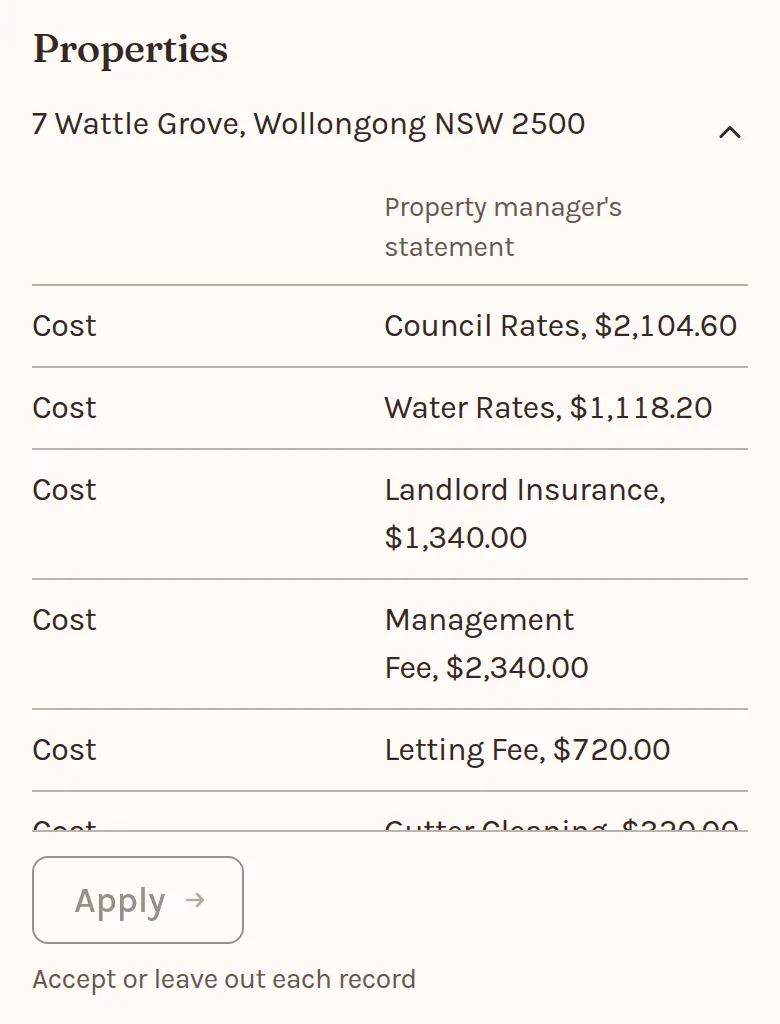
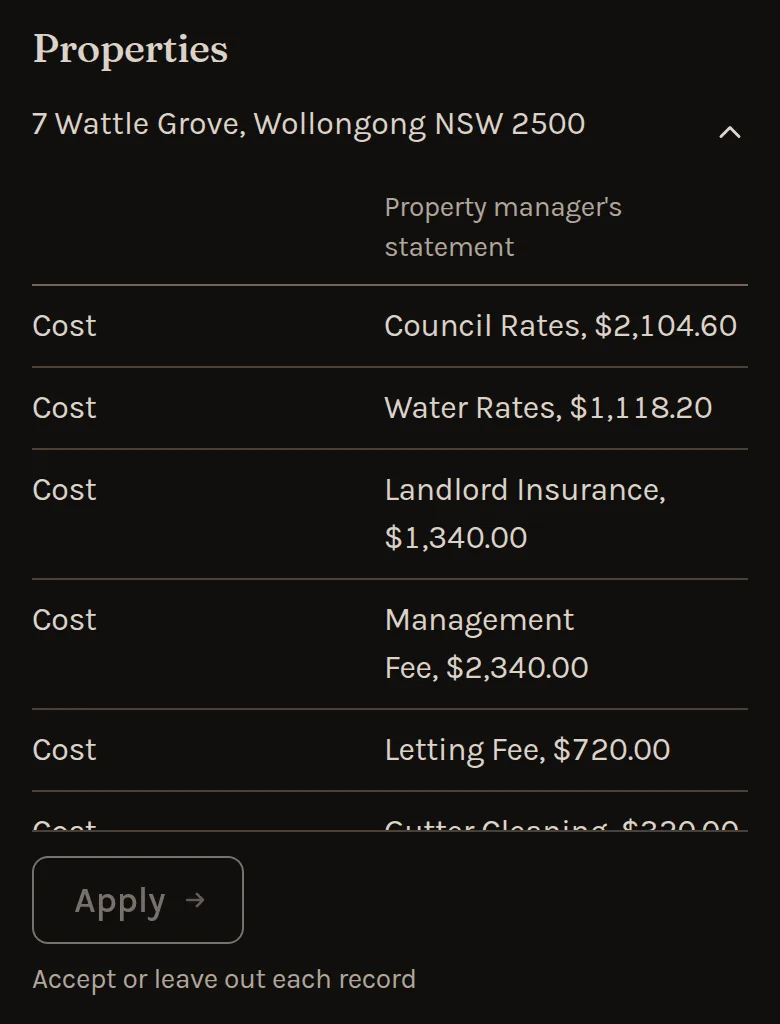
Check each figure against its line: its number marks that line on the page beside it, and the document's name opens its pages to read. Leave out anything not yours. Where it may be one you have, choose which. Nothing changes until Accept all.
3. Where is my first result?


Accept all ends on See your portfolio position: what you own less what you owe, before tax. It opens on Total assets and the figures it adds up.
Where a document prints a date, such as rates due or a fixed rate ending, Accept all offers it for Coming up on Home, even while a draft waits for a detail. Coming up holds 30 June from your first record. A new fixed loan also asks when its terms started, since the fixed rate runs from that day.
A fixed rate or lease that ends on the day its own document gives shows once. Where the two days differ, both show, and the document's says "as a document says".
4. What if I am not ready?
- No documents to hand? Under Your household, choose add a property yourself.
- Stopping part way? Waiting for you, on Home, keeps your drafts until the date it shows.
- Just looking? See an example first opens a household nobody can change.
5. What does Setup show?
A section for each kind of record, with its Add button and what's still to record. Each name opens its record, and its form brings you back.
Sold, paid-out and ended records leave the list. Until every result is ready, Recent changes, at the foot, lists what was done, newest first.
6. What order do I record things in?
Every record names a Legal owner A person, company, trust or self-managed super fund that holds assets, owes debt, receives income or pays expenses. , so owners come first. Then down the page:
- Legal owners and their tax settings
- Properties
- Other assets
- Loans
- Income and living expenses
7. Can my documents fill it in?
Choose Add from, at the top of Setup, then Add documents, or drop them on any page. A client with nothing recorded yet has the drop on Setup itself. Nothing changes until you Accept all.
A settlement statement adds the property it bought, with its settlement date and buying costs, and the loan its advance started. A later statement updates the records you have, a loan's with its opening and closing balances. Where two documents disagree, you choose.
8. What is each result waiting on?
Results counts how many of the nine results are ready, from Portfolio position to Financial year review. On a Personal account, To see more lists each record still to add and the results it opens, and Home shows the first with See all on Setup.
Below Results, Next to add lists the documents that would complete the most results, each with the result or figure it completes and a way to get it: Ask for it, Ask for records or Bring in. It updates when your records or documents change, and Home shows its first three. Nothing in it is added until you review it.
For a client, Results names the record most results wait on, then each result not ready and what it needs. An old figure shows there again, but never stops a result. Records that need a newer figure lists when each kind ages.
9. What is the date for new records?
Setup shows it once you have records. New income and living expenses start on it, 1 July unless you choose another.
Once you choose one, new values and balances take it too. Until then they're dated today.
It can't be in the future, and Setup keeps it until you close the tab.
10. What is ending soon?
Ending within 90 days lists a fixed rate, interest-only term or lease that ends that soon, with nothing newer recorded. Each row opens its next step:
- Add the rate when it ends, which forecasts use from the day after.
- Compare a refinance, which opens Refinance on that loan.
- Record the new rent.
11. How does Setup work for a client?
A Business account has a Setup for each client. It adds:
- Ask for records, while the client has no open request.
- Client records: the open request and its due date, with Open the request, then Review the response.
A client with nothing recorded starts at Add documents. Drop their documents there, or choose Or type it in or Ask for records.