Help
How to compare a refinance in PropRetire
See whether new loan terms would come out ahead, and your records stay as they were.
1. Choose the loan
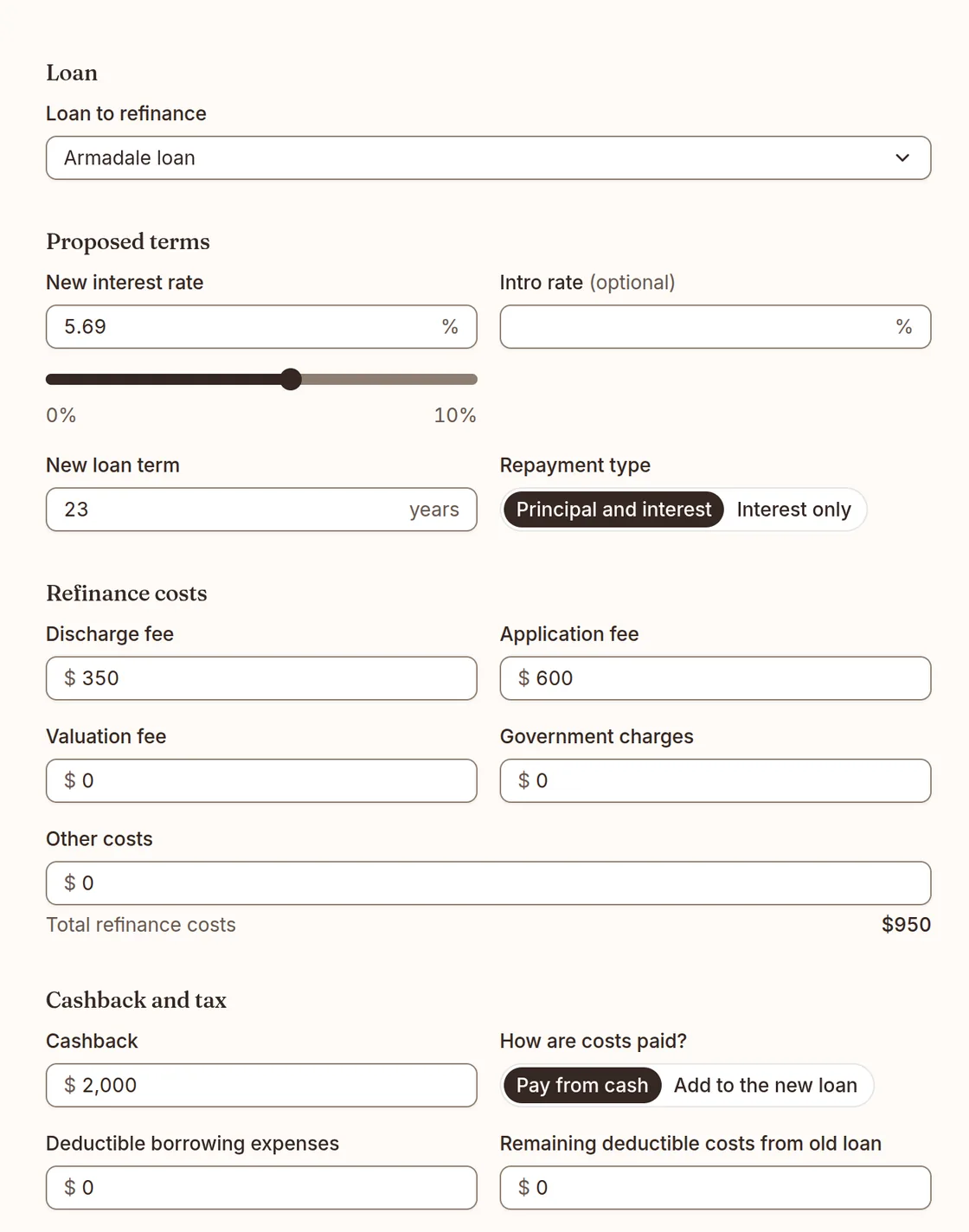
In the sidebar, under What if, select Refinance, then choose the loan in Loan to refinance.
2. Enter the new terms
Type the New interest rate and New loan term, and an Intro rate if the offer has one. Choose Principal and interest or Interest only, as the offer is. Then type each refinance cost, such as the Discharge fee, and any Cashback.
3. Read the difference
Select Compare loans at the top, or wait a moment after you stop typing. Under the form, Difference after tax and HELP shows whether the new loan comes out ahead, then when it breaks even and the difference by year. Your records stay as they were.
The details are in Refinance.