Help
How to ask clients for records in PropRetire
Ask many clients at once, and each reply comes back as a draft for you to accept.
1. Open Tax time
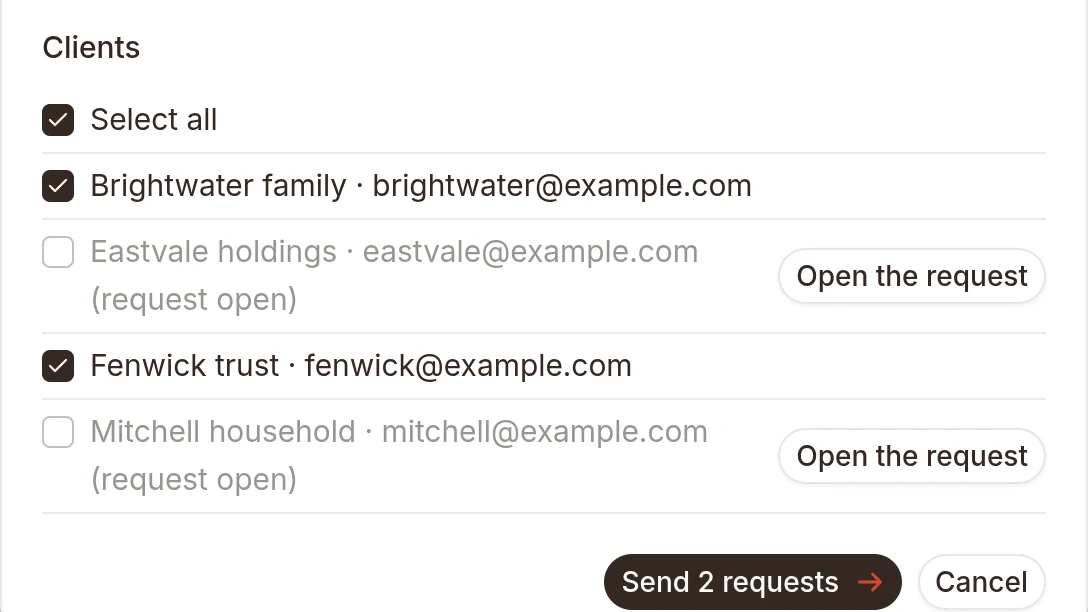
In the sidebar, select Clients, then Tax time, and tick each client to ask.
2. Set the request
Set Due, Reminders and Message, then tick the records to ask for, such as Properties and Loans. Legal owners are always included.
3. Send the requests
The button counts them, such as Send 2 requests. Each reply comes back as a draft, and for each figure you choose Accept, Keep recorded or Ask again.
The details are in Clients.