Help
How to bring in documents in PropRetire
Your documents become records, and nothing changes until you accept.
1. Open Bring in
In the sidebar, under Documents, select Bring in.
2. Drop your documents
Drop statements, notices, photos or spreadsheets on the page, in any order, or select Choose files or Choose a folder. We hide every tax file number we find.
3. Accept the drafts
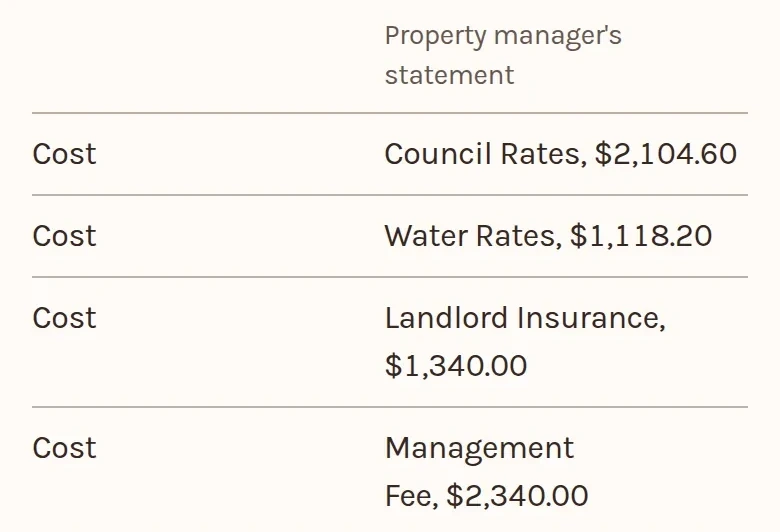
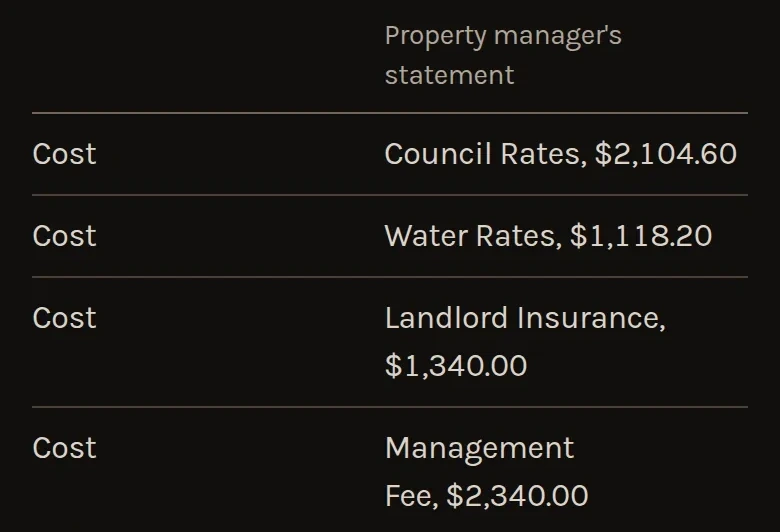
Open To review. Each figure shows the page it came from. Change a line that is wrong, then select Accept all.
The details are in Documents and Setup.