Help
How to review a financial year in PropRetire
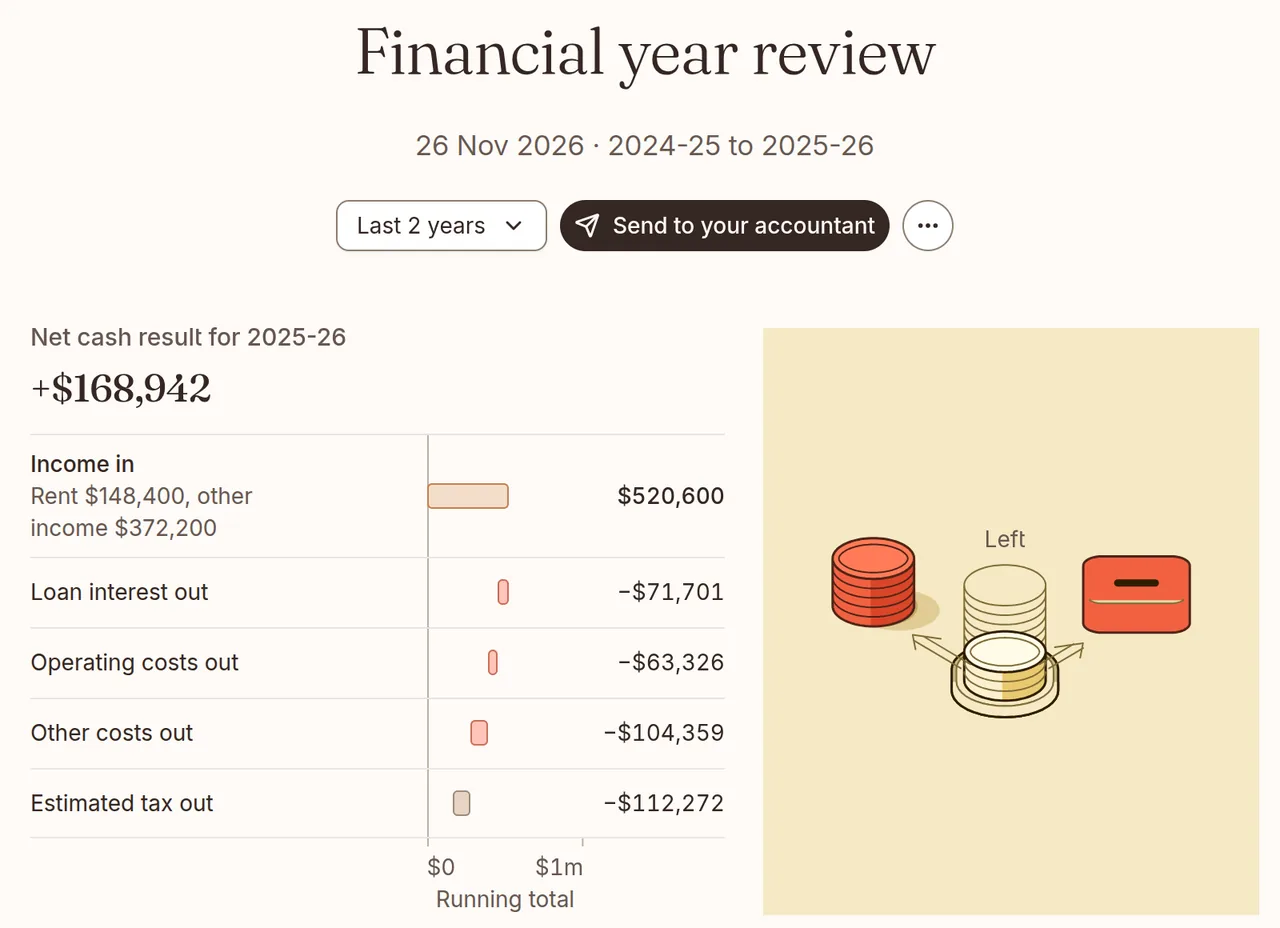
See each year's income, costs, tax and net cash, by owner and property.
1. Open Financial year review
In the sidebar, under Tax year, select Financial year review.
2. Choose the years
At the top, choose Last 2 years up to Last 5 years. The page shows the year's net cash, with income in and each cost out, then each owner's and each property's share.
3. Send or keep it
Select Send to your accountant. To keep a copy, select More actions, then Download spreadsheet or Download PDF.
The details are in Financial year review.